













How to find a Pokémon's set with the Pokédex
Before adding a Pokémon to your team, it pays to know how the players who win run it. The infovgc Pokédex puts it all on one page: what it holds, who it plays with and how much it wins with each option.
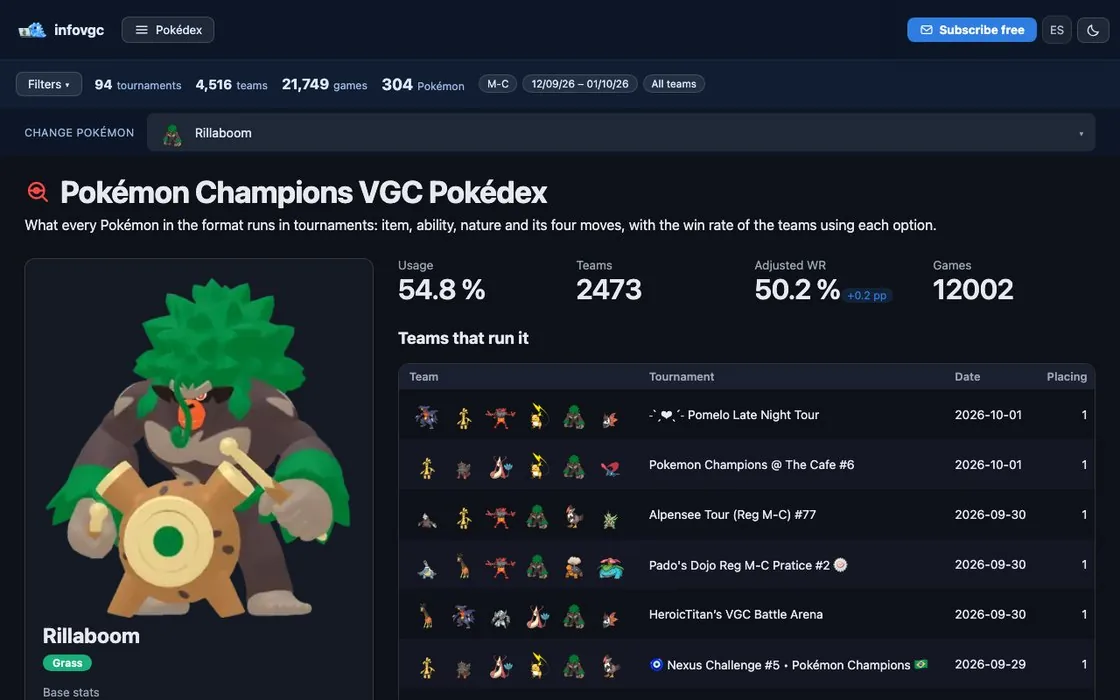

Find the Pokémon
Type its name into the Pokédex search box. Megas are listed separately, with their own data, because they play differently from the base form. At the top you get its types and base stats, and below, everything it runs in the tournaments in the filter.
Read each option with its win rate
For the item, the ability, the nature and the moves you see what share of teams picks each option and how much those teams win. The most used one isn't always the one that wins most: if a rarely played option wins clearly more, it's worth a try. With few games, trust usage more than win rate.


See who it plays with
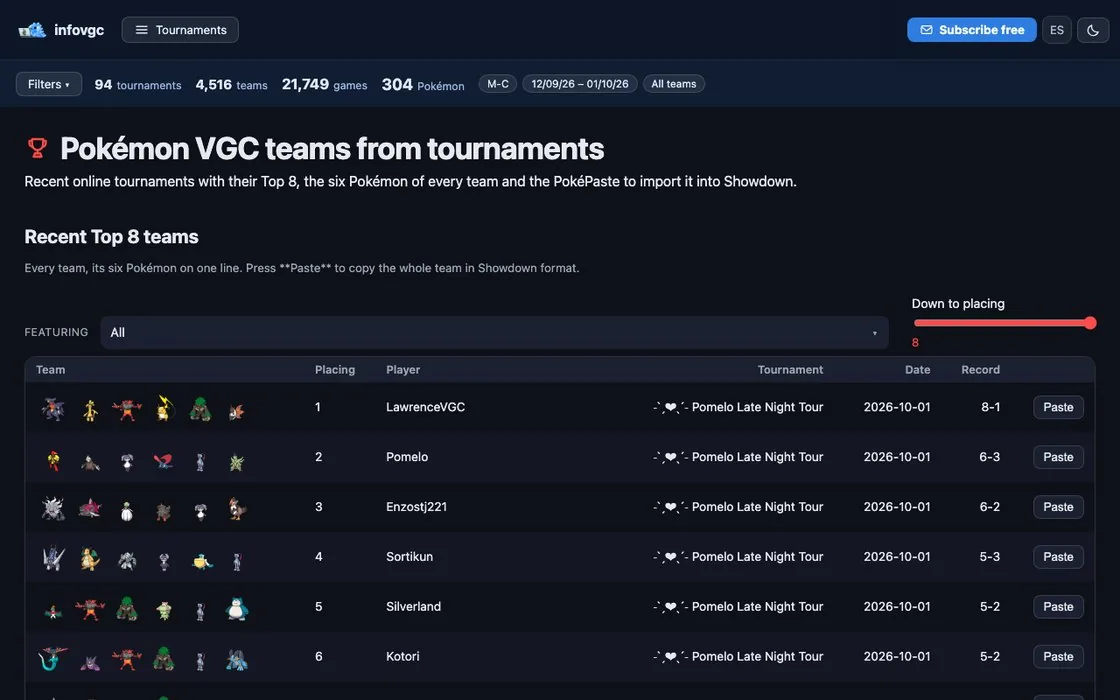
Its most common teammates tell you which core that Pokémon forms. Tap one and the team list below keeps only the teams that run both, each with its Paste button to copy it in Showdown format.



Try it in the calculator
The calculator and the teambuilder load each Pokémon's most played set on their own. That way you can check right away which hits it survives and what it KOs before changing anything.



Frequently asked questions
Where do the sets come from?
From the public team lists of the Pokémon Champions tournaments in the filter at the top. If you change the filter, the sets change.
Why aren't the stat points shown?
Team lists don't publish them. infovgc's pastes carry an estimated spread built against the most played Pokémon.
More guides
 01 · 6 min read
How to start playing VGC, step by step
From your first team to your first tournament in eight steps.
Read the guide 02 · 5 min read
What is VGC: competitive Pokémon explained
Doubles, level 50, stat points and best-of-three games.
Read the guide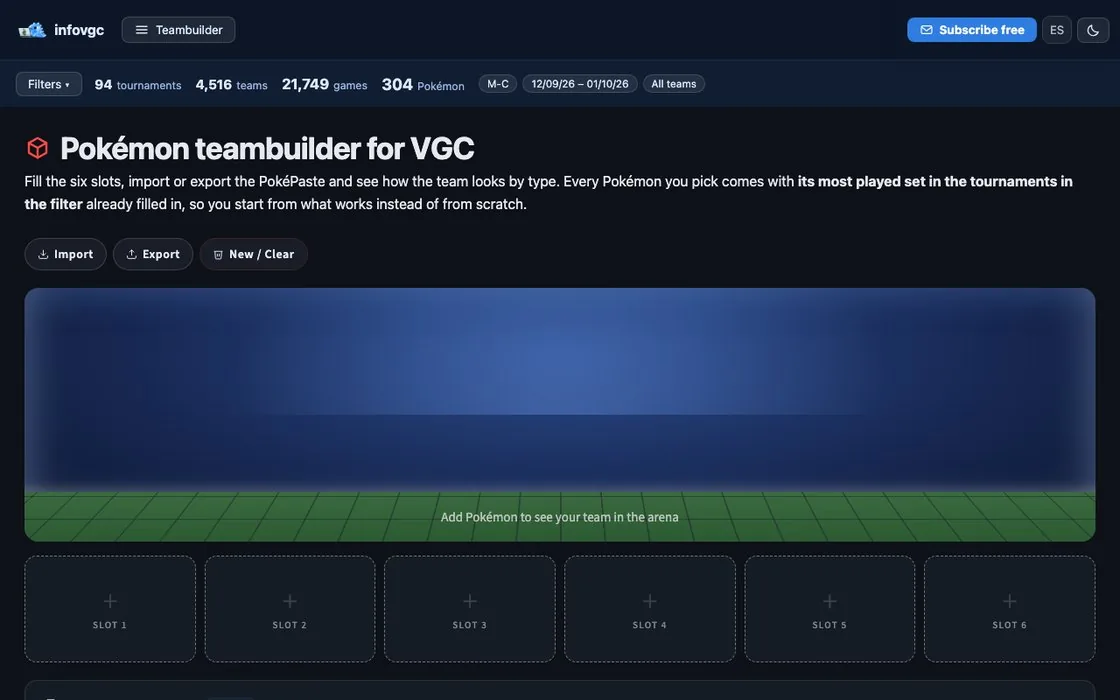 03 · 6 min read
How to build a VGC team
From a two-Pokémon core to the sixth slot, with data.
Read the guide