













Tournament teams with a rental code
The fastest way to play with a team that has already won is to copy it. infovgc's Teams section has tournament teams and their players' teams, many with the rental code to load them into Pokémon Champions.
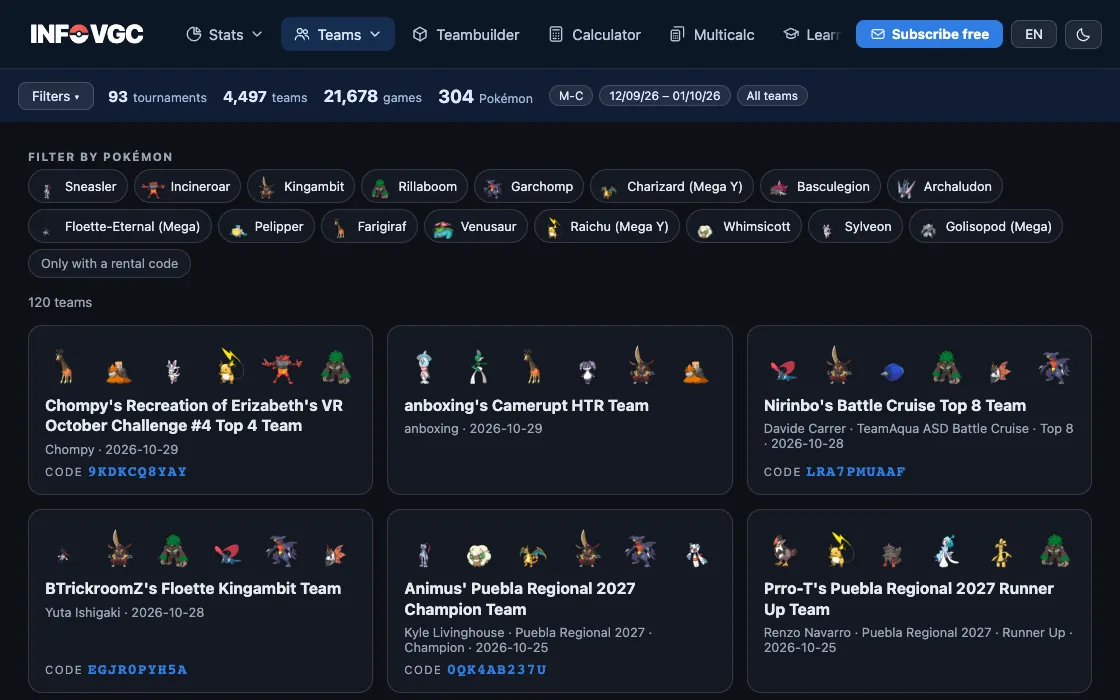

Filter by the Pokémon you want
At the top are the Pokémon that appear most in the teams. Tap one or several and the list keeps only the teams that run them together. Only with a rental code shows only the ones you can load straight into the game.
Load the team into the game
Open the team and copy its rental code. In Pokémon Champions, enter it in the rental teams option and you can play with it right away. If it has no code, copy it into Showdown with its PokéPaste.


Understand how it plays
Each team has its own page: the sets of all six, how the team plays, what each attacking type does to it and the Speed order, with tabs to see how Tailwind and Trick Room change it.



Make it yours
A copied team is a good starting point, not the end. Play with it, check in the matchups what it struggles against and tweak whatever it needs in the teambuilder.



Frequently asked questions
What is a rental code?
A code Pokémon Champions generates to share a rental team. Whoever enters it can play with that team without owning the Pokémon.
Where do these teams come from?
From the public VGCPastes sheet, which collects tournament and player teams with their PokéPaste and, when there is one, their code.
More guides
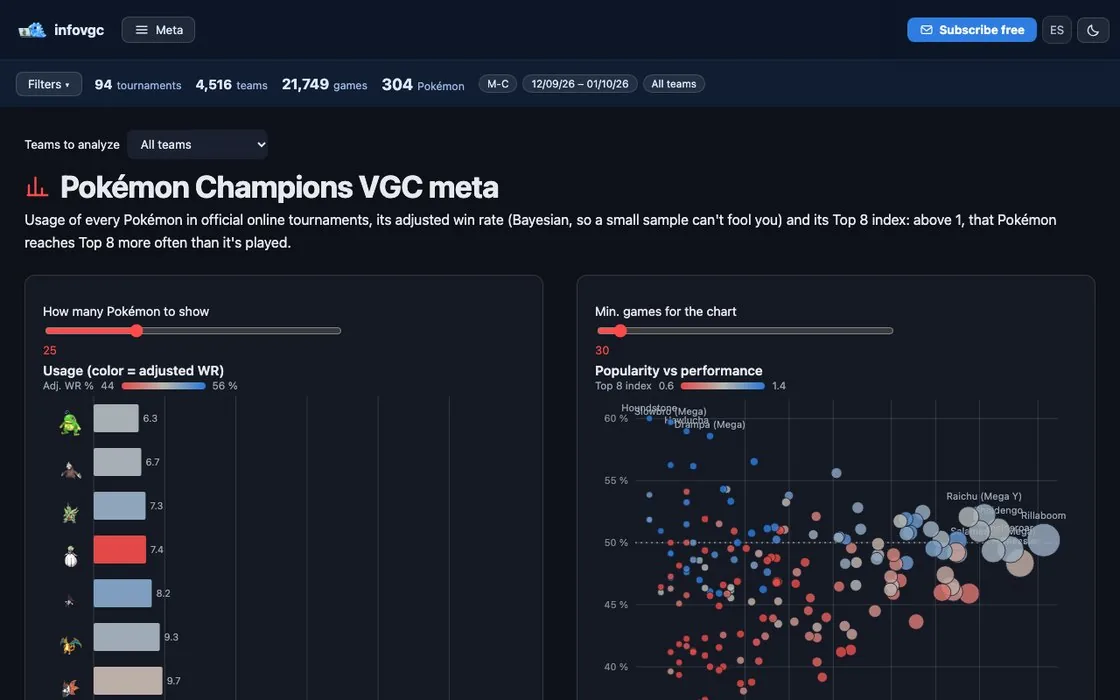 02 · 5 min read
What is VGC: competitive Pokémon explained
Doubles, level 50, stat points and best-of-three games.
Read the guide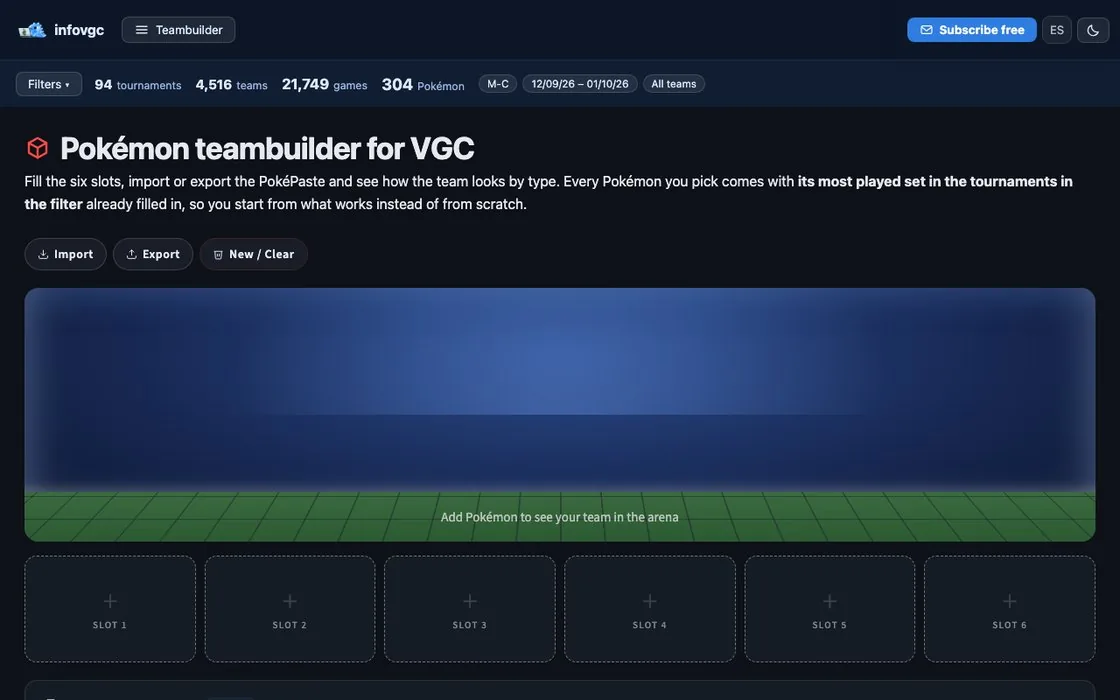 03 · 6 min read
How to build a VGC team
From a two-Pokémon core to the sixth slot, with data.
Read the guide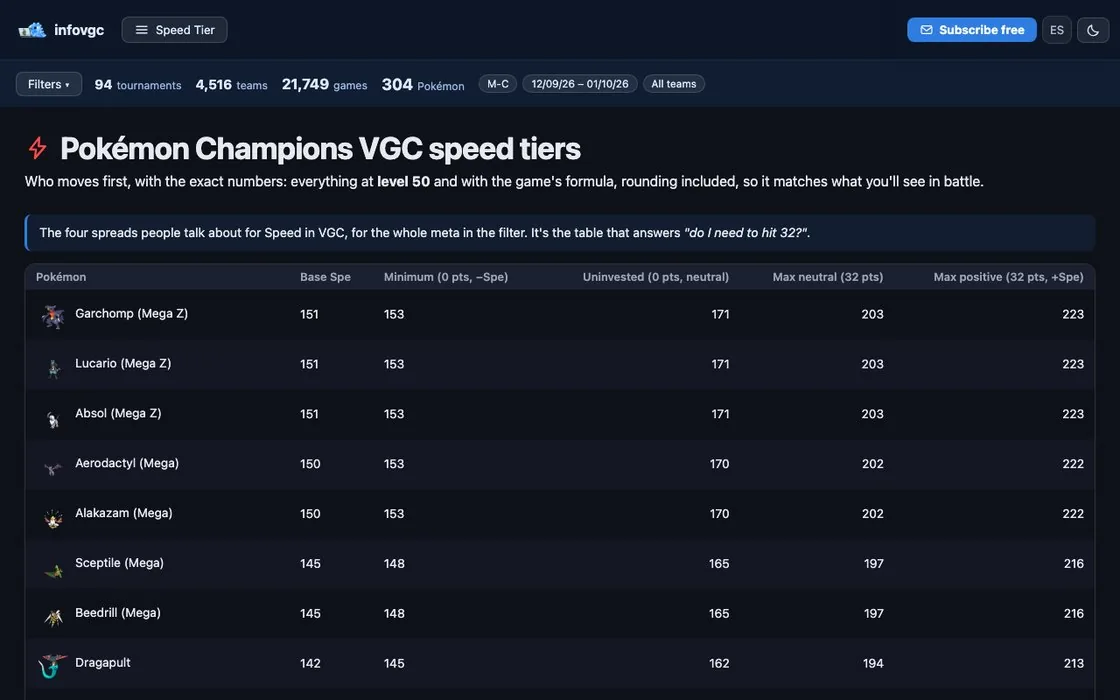 04 · 5 min read
Speed in VGC: Tailwind, Trick Room and speed tiers
Who moves first and how to change it.
Read the guideTry it with real data
Every infovgc tool is free and built on the public team lists of Pokémon Champions tournaments.