













Multicalc: how to simulate a doubles turn
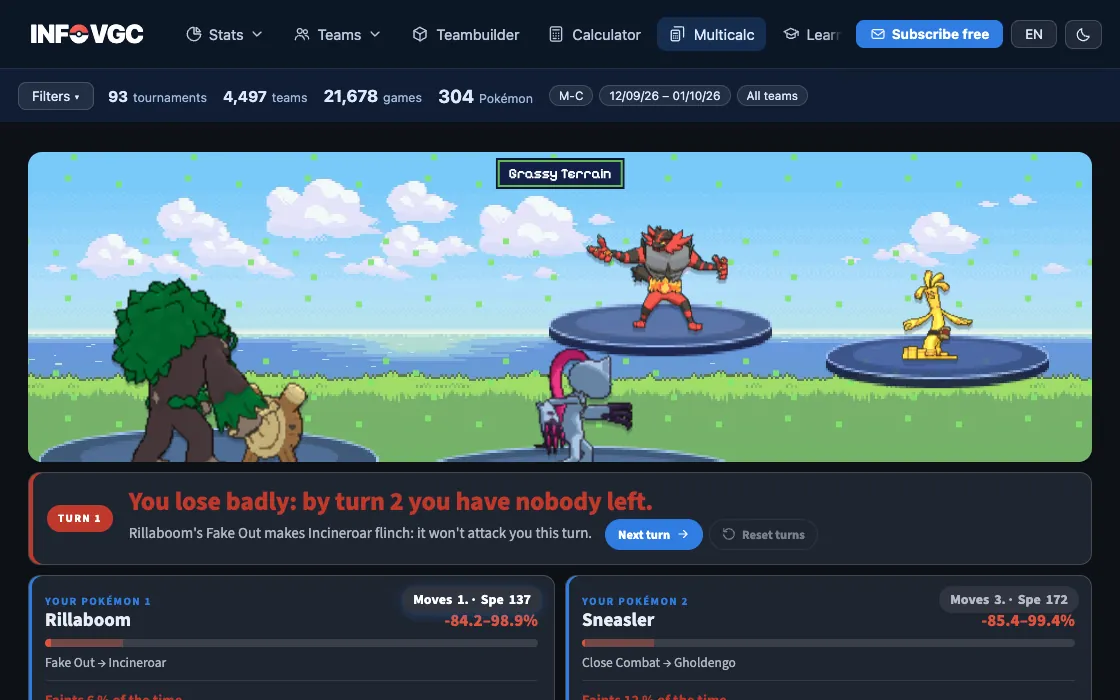
The regular calculator answers one hit against one Pokémon. In doubles four play at once, and what decides the turn is the order and who hits whom. The multicalc plays that whole turn.
Set up the four Pokémon
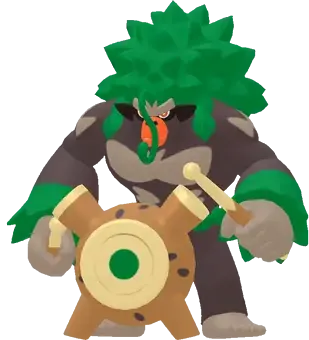
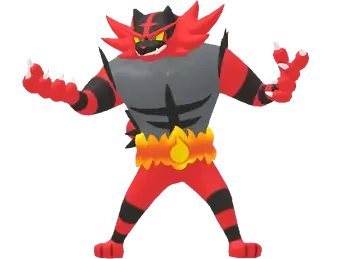
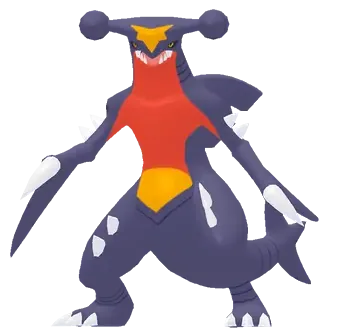
Pick two Pokémon per side. Each one comes with its most played set in the tournaments in the filter, and you can change its item, ability, moves and spread just like in the calculator.
Choose what each one does and to whom
For each Pokémon, pick the move and its target. Fake Out, Protect, Follow Me, Helping Hand and moves that hit both opponents all count; spread moves deal 25% less in doubles.

Read the result of the turn
At the top you get the verdict of the turn; below, the order everyone moves in, how much each attack does and who faints. The turn is played thousands of times with the 16 damage rolls, so the percentages are the real chance of each outcome.


Keep the game going
Next turn plays another identical turn with the HP they have left, to see how many turns the exchange takes. Reset turns goes back to turn 1 with everyone at full HP.



Frequently asked questions
How is it different from the calculator?
The calculator measures one hit between two Pokémon. The multicalc plays the turn with all four: the order, the targets, Fake Out, Protect and Follow Me.
Does it take Speed into account?
Yes. The order comes from each move's priority and each Pokémon's Speed, with Tailwind and Trick Room if you tick them in the field.
More guides
 01 · 6 min read
How to start playing VGC, step by step
From your first team to your first tournament in eight steps.
Read the guide 02 · 5 min read
What is VGC: competitive Pokémon explained
Doubles, level 50, stat points and best-of-three games.
Read the guide 03 · 6 min read
How to build a VGC team
From a two-Pokémon core to the sixth slot, with data.
Read the guideTry it with real data
Every infovgc tool is free and built on the public team lists of Pokémon Champions tournaments.