













How to start playing VGC, step by step
You do not need to build a team from scratch or know every calc. This is how almost everyone starts in Pokémon Champions VGC: copy a team that already works, play a lot and adjust little by little.
Understand the format in five minutes
VGC is doubles: you bring six Pokémon, see your opponent's team before the game and pick four. Everything fights at level 50 and a game lasts only a few turns, so every decision matters. If this is your first time, read what VGC is and how it differs from singles first.

Pick a team that already wins
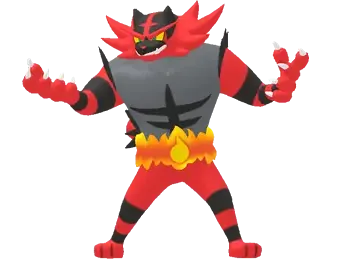
The most common mistake is starting with your favourites and losing without knowing why. Open Tournaments, look at the teams that reached Top 8 in the last few days and pick one you like. If a Pokémon shows up on many teams, there is a reason.
Take it to Showdown with its PokéPaste
Every team has a Paste button with its six sets in Showdown format: item, ability, nature, moves and stat points. Copy it, open the Pokémon Showdown Teambuilder, create a new team in the Champions format and paste it with Import. In a minute it is ready to play.



Understand what each Pokémon does
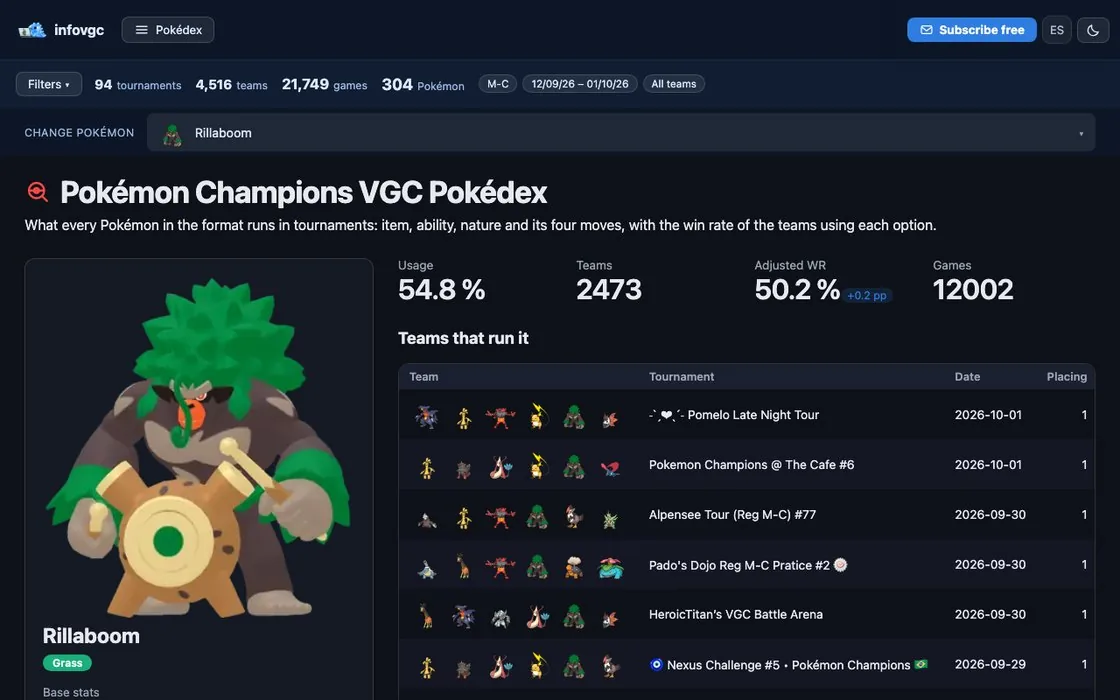
Before you play, look up every Pokémon on the team in the Pokédex: which item almost everyone runs, which moves it uses and who it is played with. If your set is different from the usual one, you will know what you are changing and why.
Play your first games
Queue games on Showdown with your team and do not be afraid to lose: the first twenty are for learning how it plays. Watch three things: which two Pokémon you lead with, what your opponent does on turn one and when it pays to switch. Save the replays of the games you lose and review them calmly.



Learn what you will play against
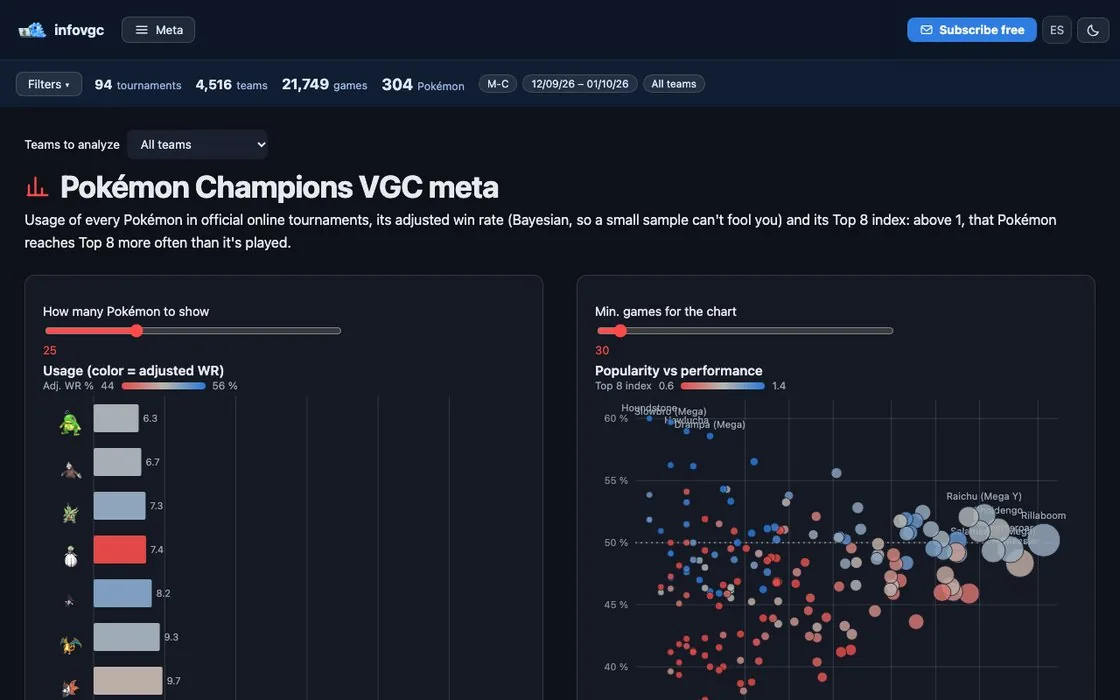
The meta is whatever is played the most right now. On the meta page you see the most used Pokémon and which ones win the most, and with the damage calculator you check whether you survive their hits. You do not need to memorise everything: start with the five most played.
Adjust the team little by little
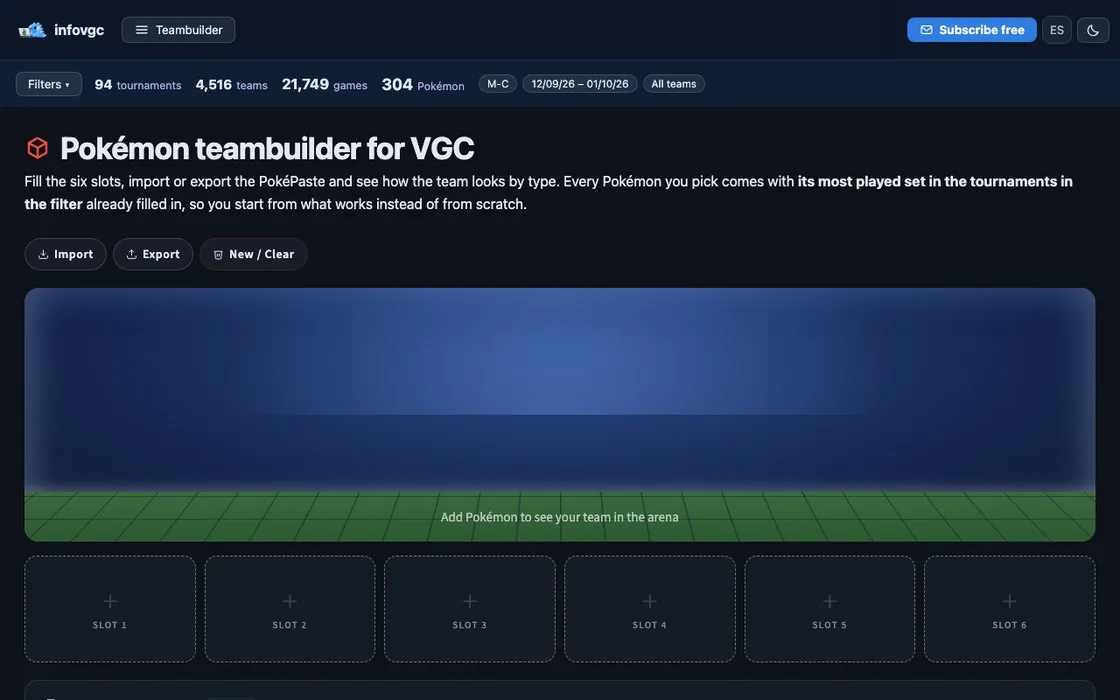
After a few games you will know which Pokémon is not pulling its weight or which opponent always beats you. Change one thing at a time: a move, an item or a Pokémon. In the teambuilder you see the team's weaknesses and which partners fit your core best.
Enter your first tournament
Once you feel comfortable, try an online tournament. Limitless runs Pokémon Champions tournaments almost every day, in rounds and open to everyone, and their results are what infovgc uses. After that, if you get hooked, there are the official Play! Pokémon events: Regionals, Internationals and Worlds.



Frequently asked questions
Is VGC hard to get into?
No harder than any competitive game. Copying a team that already works removes the hardest part at the start, and after a few weeks of games you understand the basics of the format.
Can I practise without the game?
Yes: on Pokémon Showdown you can play for free with the same teams from your browser. For official tournaments you do need Pokémon Champions.
How long does it take to get a team ready?
Copying a tournament team and taking it to Showdown takes minutes. What takes time is learning to play it: expect a few dozen games.
More guides
03 · 6 min readHow to build a VGC team
From a two-Pokémon core to the sixth slot, with data.
Read the guide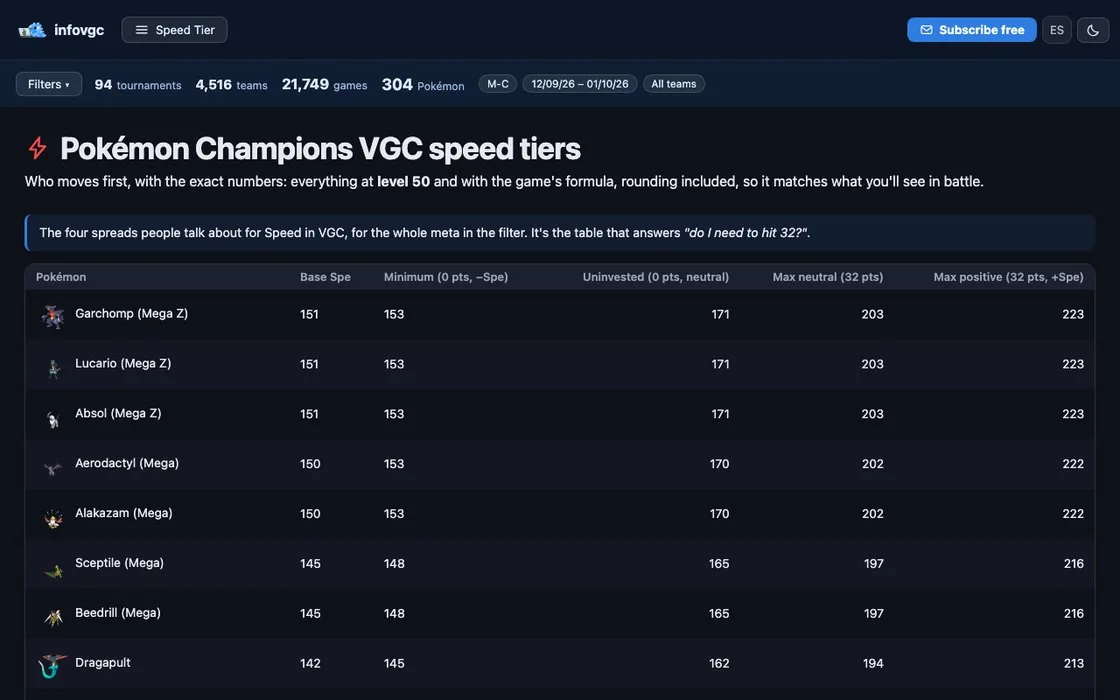 04 · 5 min read
Speed in VGC: Tailwind, Trick Room and speed tiers
Who moves first and how to change it.
Read the guide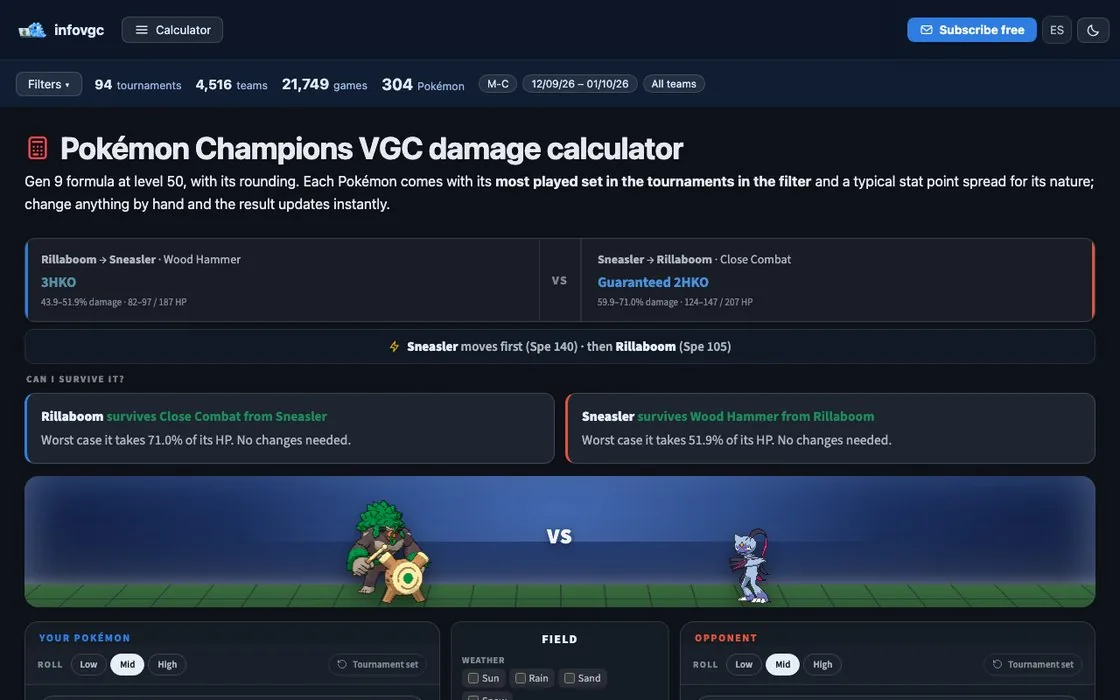 05 · 5 min read
How to do damage calcs in VGC
If I attack, do I KO? And if it attacks, do I survive?
Read the guideTry it with real data
Every infovgc tool is free and built on the public team lists of Pokémon Champions tournaments.
Get it in your inbox every Monday
The weekly VGC meta report, free and nothing else. Unsubscribe in one click.